
Download Microsoft Office Professional 2010 for Windows – Return to tradition
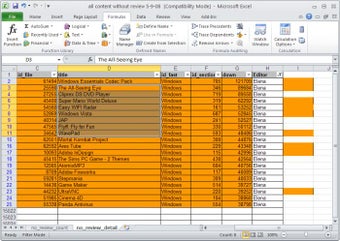
Don’t fix what isn’t broken – and that includes classic versions of the top productivity suite on the market. Download Microsoft Office Professional 2010 for Windows and return to the glory days. Microsoft Office Professional 2010 is a premium version of Microsoft Office 2010 Home and Business, which only includes the five core programs – Word, PowerPoint, Excel, Outlook, and OneDrive. With an upgrade to Microsoft Office Professional 2010, you get access to many more apps and features – Access, Publisher, OneNote, Communicator, InfoPath, Outlook with Business Contact Manager, and SharePoint Workspace. Obviously, most of these extra apps are aimed at businesses, so the main purpose of choosing Microsoft Office Professional 2010 over a simpler version like Microsoft Office Home and Business 2010 would be to support a large, complex business.
Top Recommended Alternative

Discover the apps in Microsoft Office Professional 2010
Some of those apps might be unfamiliar to you, but that doesn’t make them any less useful.
- Access: A database management system that can hold everything from sales information to contact management for a research study.
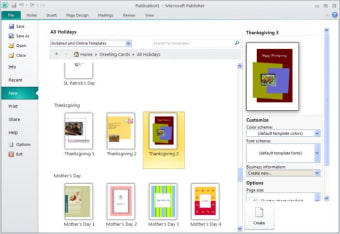
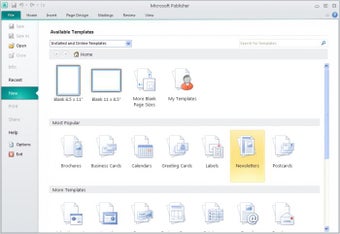
- Publisher: A desktop publishing platform that focuses on the layout and graphic design of a page instead of editing and formatting the text itself – works great in collaboration with Microsoft Word.
- OneNote: A note-taking platform that offers creative and boundless note-taking options, whether it’s scribbling down notes on the screen or dragging and dropping images.
- Communicator: The forerunner to Skype, which is a video-call platform that allows you to connect with people around the world through a video chat.
- InfoPath: A form and survey management platform that gives you control over electronic forms with structured data, from design and distribution to filing and submitting.
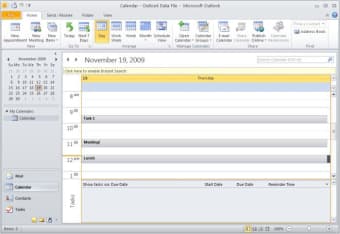
- Outlook with Business Contact Manager: The standard version of Microsoft Outlook, the email platform for Microsoft, but with advanced features to support managing large volumes of contacts for a business.
- SharePoint Workspace: The forerunner for Microsoft OneDrive for Business, this is designed for collaboration with other team members who might not be online simultaneously.
Features and integrations – What makes this optimal for professionals?
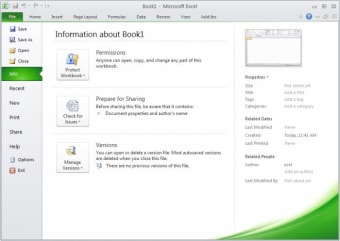
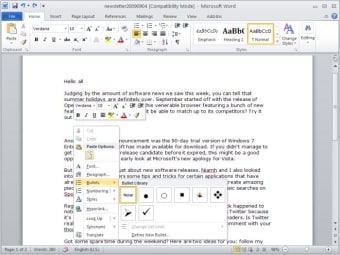
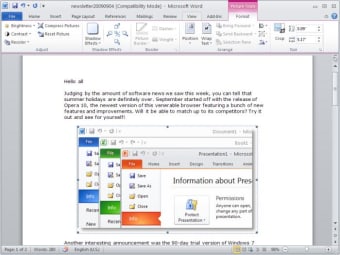
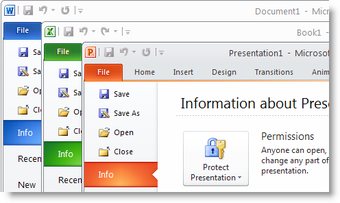
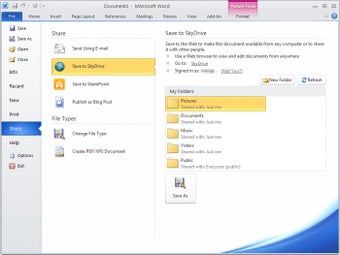
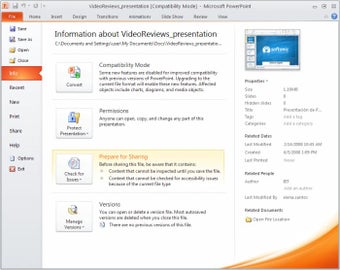
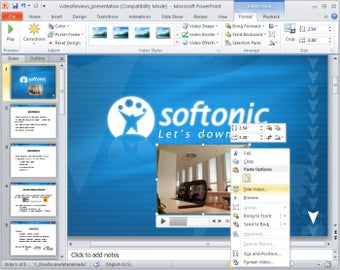
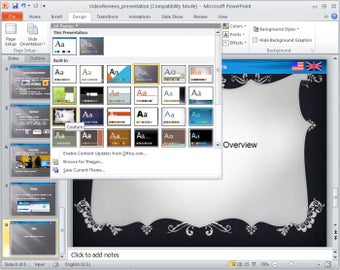
Microsoft Office Professional 2010 for Windows is the first time we saw the switch from the unsuccessful “Office Button” back to the classic “File Button” on the ribbon. You still get the convenience of ribbons with easy access to buttons and features that are most needed but without the clunky look of the Office Button. This is also the beginning of support for videos embedded within PowerPoint presentations, along with the groundwork of OneDrive in the first iteration – SkyDrive.
Compatibility and system requirements – What you need to be running for this classic software
Since you wouldn’t have been able to find a system like Windows 11 back in 2010, you need to make sure that you’re running software that is compatible with an older service like Microsoft Office Professional 2010 for Windows. We recommend using Windows XP since that was the primary Windows software that was in service at the time of release for Office 2010. Newer versions of Windows will be able to run Microsoft Office Professional 2010 but will not be able to take advantage of modern capabilities that you find commonly on Windows 11 or later versions.
Can I find Microsoft Office Professional 2010 for Windows in a Microsoft 365 subscription?
Technically, Microsoft Office Professional 2010 for Windows is not available with any of the Microsoft 365 subscriptions. But the only reason it’s not available is because Microsoft 365 offers the newest and best versions of every app and platform. If you’re interested in downloading and using Microsoft Office Professional 2010 for Windows, it’s probably because you are looking for something dependable and familiar. Undeniably, the classic versions of Microsoft Office were ground-breaking and offered a simple yet effective way to produce high-quality work. But those products don’t just exist in the past. Microsoft 365 has combined the best of both worlds – taking all the features that made Microsoft Office of the past and combining them with the convenience and reliability of modern technology.
If you are looking at the features of Microsoft Office Professional 2010 for Windows, you might notice that a majority of the clients that are available in this software are now available in Microsoft 365. In some cases, they might be updated versions. In other cases, they might be completely different software but in a new and improved version. For instance, it’s true that you won’t be able to find Microsoft Communicator on Microsoft 365. But you won’t miss it, because it has been replaced by Skype and Microsoft Teams. Considering barely anyone still uses Microsoft Communicator, you would have a hard time finding anyone to be on the other end of your call anyways! Different apps and clients like Microsoft Access have barely changed since 2010 and are still available in the Microsoft 365 collection.